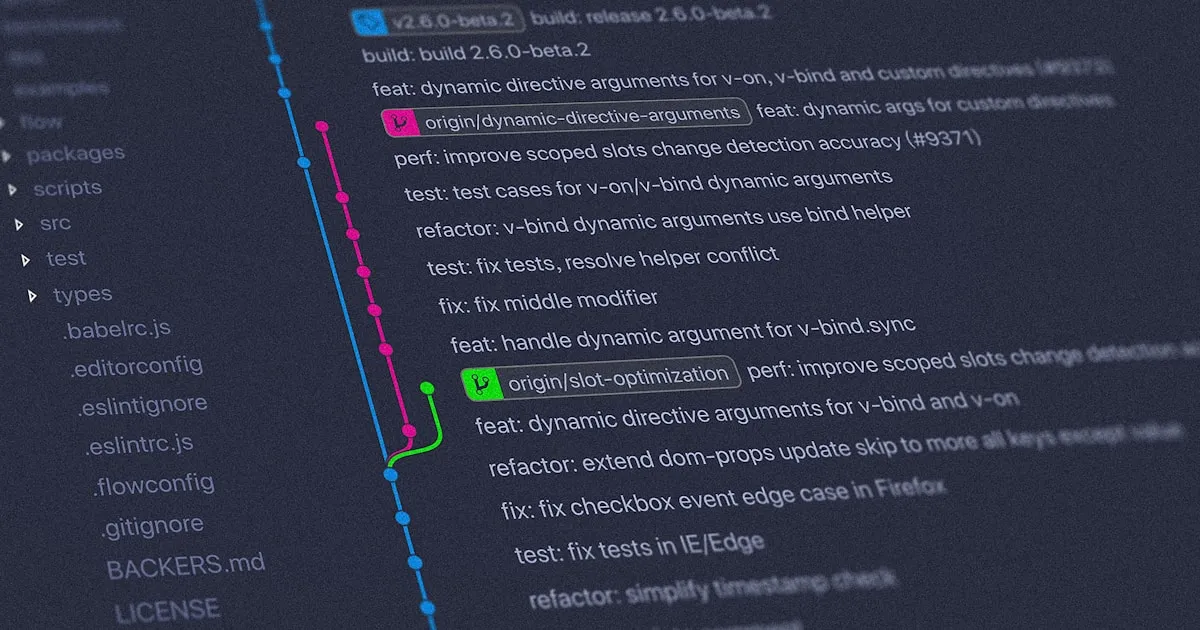
Git dipakai setiap hari, tapi banyak command yang sering lupa. Halaman ini adalah referensi lengkap yang bisa kamu bookmark — buka kapanpun dibutuhkan tanpa perlu googling lagi.
⚙️ Setup & Konfigurasi
# Set identitas (wajib sebelum commit pertama)
git config --global user.name "Nama Kamu"
git config --global user.email "email@kamu.com"

# Set editor default
git config --global core.editor "code --wait"  # VS Code
git config --global core.editor "nano"

# Set default branch ke 'main'
git config --global init.defaultBranch main

# Lihat semua konfigurasi
git config --list
🚀 Memulai Repository
# Buat repo baru di folder aktif
git init

# Clone repo dari GitHub
git clone https://github.com/user/repo.git

# Clone ke folder dengan nama custom
git clone https://github.com/user/repo.git nama-folder

# Clone hanya branch tertentu
git clone -b develop --single-branch https://github.com/user/repo.git
📁 Staging & Commit
# Cek status perubahan
git status
git status -s                    # format pendek

# Tambah ke staging
git add namafile.php
git add .                        # semua file
git add src/                     # semua file dalam folder
git add *.css                    # semua file .css

# Commit
git commit -m "feat: tambah fitur login"
git commit -am "fix: perbaiki bug form"   # add + commit sekaligus

# Ubah commit terakhir (sebelum push)
git commit --amend -m "pesan yang lebih baik"
git commit --amend --no-edit             # tambah file, pesan tetap
🔄 Push & Pull
# Push ke remote
git push
git push origin main
git push -u origin main          # set upstream sekaligus

# Push branch baru ke remote
git push -u origin feature/login

# Pull (fetch + merge)
git pull
git pull origin main

# Fetch saja (tanpa merge)
git fetch
git fetch origin
🌿 Branching
# Lihat semua branch
git branch           # lokal
git branch -r        # remote
git branch -a        # semua

# Buat branch baru
git branch feature/login

# Pindah branch (cara modern)
git switch feature/login
git switch -c feature/register   # buat + pindah sekaligus

# Cara lama (masih valid)
git checkout feature/login
git checkout -b feature/register

# Rename branch
git branch -m nama-lama nama-baru

# Hapus branch
git branch -d feature/login     # safe (gagal kalau belum dimerge)
git branch -D feature/login     # force delete

# Hapus branch di remote
git push origin --delete feature/login
🔀 Merge & Rebase
# Merge branch ke branch aktif
git merge feature/login
git merge --no-ff feature/login   # selalu buat merge commit

# Rebase branch aktif ke atas main
git rebase main

# Interactive rebase — squash/edit 3 commit terakhir
git rebase -i HEAD~3

# Abort jika ada conflict
git merge --abort
git rebase --abort
📦 Stash (Simpan Sementara)
# Simpan perubahan ke stash
git stash
git stash push -m "WIP: fitur upload foto"

# Lihat daftar stash
git stash list

# Ambil kembali
git stash pop              # stash terbaru + hapus dari list
git stash apply            # stash terbaru, tetap di list
git stash apply stash@{2}  # stash dengan index tertentu

# Hapus stash
git stash drop stash@{0}
git stash clear            # hapus semua stash
📜 Log & Riwayat
# Lihat log commit
git log
git log --oneline              # ringkas satu baris
git log --oneline --graph      # dengan visualisasi branch
git log --oneline -10          # 10 commit terakhir
git log --author="Budi"        # filter by author
git log --since="1 week ago"

# Lihat perubahan
git diff                       # unstaged changes
git diff --staged              # staged changes
git diff HEAD~1                # vs commit sebelumnya
git diff main..feature/login   # diff antar branch

# Siapa yang ubah baris ini?
git blame namafile.php
↩️ Undo & Reset
# Batalkan perubahan di working directory
git restore namafile.php           # cara modern
git checkout -- namafile.php       # cara lama

# Unstage file
git restore --staged namafile.php

# Reset commit (belum di-push)
git reset --soft HEAD~1   # batalkan commit, perubahan ke staging
git reset --mixed HEAD~1  # batalkan commit, perubahan ke working dir
git reset --hard HEAD~1   # batalkan commit + hapus perubahan ⚠️

# Revert — buat commit pembalik (aman untuk yang sudah di-push)
git revert abc1234

# Lihat semua pergerakan HEAD (untuk recovery darurat)
git reflog
🌐 Remote
# Lihat remote
git remote -v

# Tambah remote
git remote add origin https://github.com/user/repo.git

# Ubah URL remote
git remote set-url origin https://github.com/user/repo-baru.git

# Hapus remote
git remote remove origin
🏷️ Tag
# Buat tag
git tag v1.0.0
git tag -a v1.0.0 -m "Release versi 1.0.0"

# Push tag ke remote
git push origin v1.0.0
git push origin --tags     # push semua tag sekaligus

# Hapus tag
git tag -d v1.0.0                    # lokal
git push origin --delete v1.0.0      # remote
💡 Workflow Harian Paling Umum
git pull                           # update dulu dari remote
git switch -c feature/nama-fitur   # buat branch baru
# ... kerja ...
git add .
git commit -m "feat: deskripsi singkat"
git push -u origin feature/nama-fitur
# → buat Pull Request di GitHub

Komentar 0